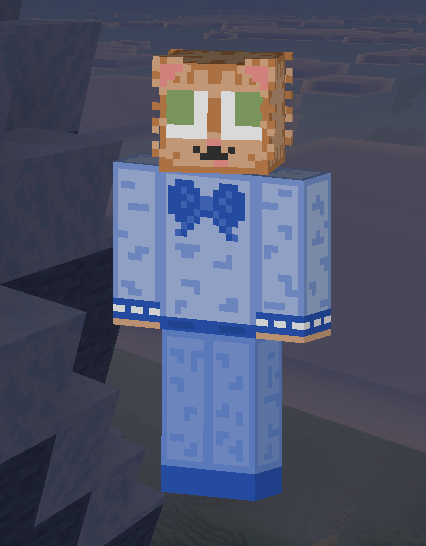
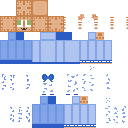
Minecraft Skin - Blep
A downloadable Minecraft Skins
THIS ONLY WORKS IN BEDROCK
a streamers cat "Blep" turned into a minecraft (128x128) skin
Streamer in question - "https://www.twitch.tv/asterinoru"
Download
Install instructions
- Download "BlepMCSkin.png"
- Launch Bedrock edition
- Go to "Dressing Room" in the menu
- Go to "Create Character" or delete one by pressing the bin/trash can icon and then press "Create Character" and or just press "Edit Character"
- Select "Classic Skin"
- Select the blank skin under "Owned Skins"
- Select "Choose New Skin"
- "In the Files folder it opens find and open "BlepMCSkin.png"
- Select "Slim" or "Wide" arms
- And your done!